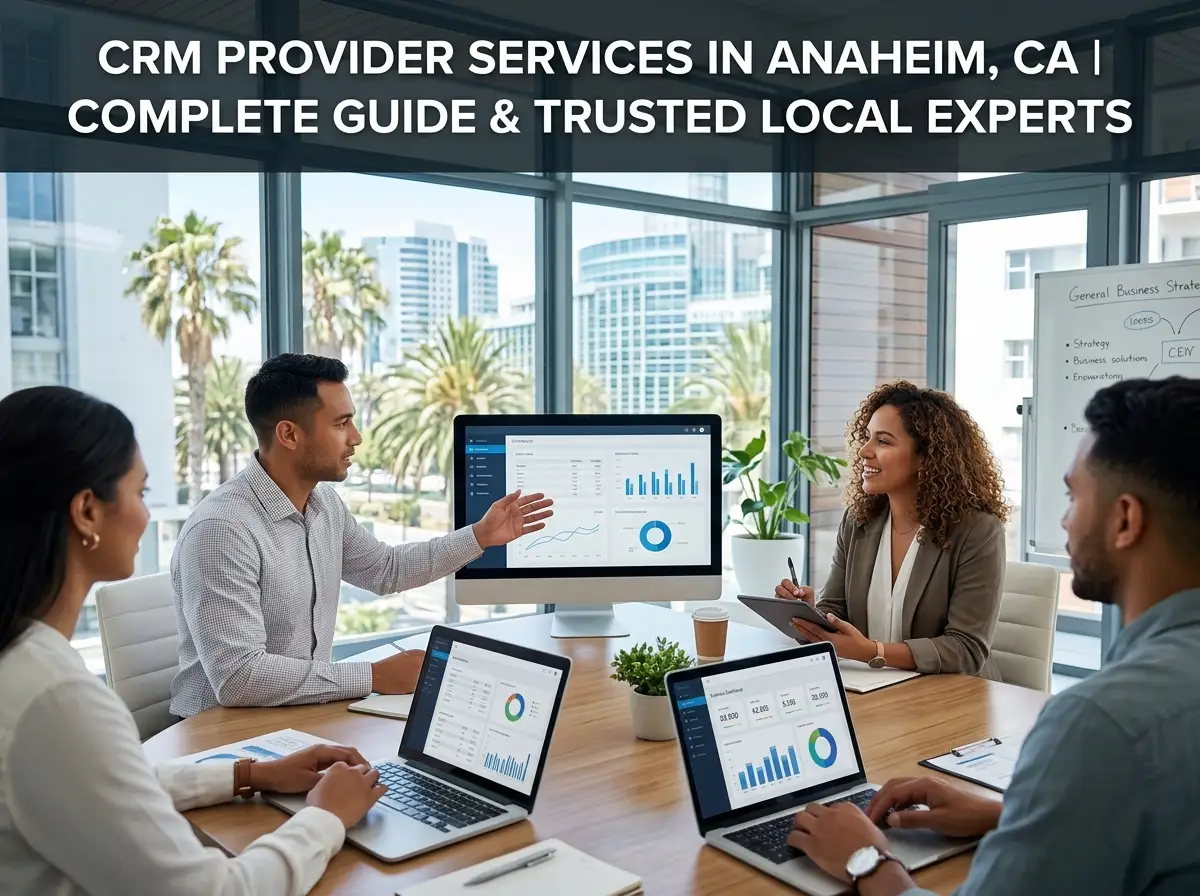
The correct CRM provider in Anaheim, CA can have a significant impact on the way a business functions and the way they handle leads, customers, sales, and everyday business. A quality CRM system provides your staff with a single source for organizing customer data as opposed to using spreadsheets, disjointed email, and software.
As of July 2025, Anaheim’s estimated population is 341,008, and there were over 7,000 businesses that employed residents in 2022. In 2022, the city also recorded over $4.5 billion in retail sales and over $3.2 billion in accommodation and food service sales. This creates a diversified local business environment that can give a competitive edge through organized customer data and efficient sales processes.
This guide details the various types of CRM provider services, the implementation process, the key features to consider, and what Anaheim businesses should look for when it comes to picking a CRM partner.
What Does a CRM Provider Do?
A CRM service provider assists in selecting, configuring, integrating, and managing customer relationship management software—and our CRM provider services cover the full setup and support process. A CRM service provider assists in selecting, configuring, integrating, and managing customer relationship management software. The aim isn’t just to put a CRM in place, but to ensure that it’s used in a way that’s right for your business.
A provider can assist with the initial CRM strategy development, software selection, data migration, workflow automation, user training, and support.
CRM Setup and Configuration
Typically, CRM setup services involve establishing your contact database, sales pipeline, user accounts, permissions, fields, dashboards, and workflows. The system is set up around your requirements, rather than forcing your team’s current processes to adapt.
Data Migration
When moving information from spreadsheets, legacy CRM systems, or individual databases, it’s important to carefully plan the move with a clear CRM data migration strategy. A CRM supplier can scrub, tidy, map, and import customer records, minimizing duplicate or missing information. This means that your team can have a more accurate customer base from the start.
Integration and Automation
Your CRM might be integrated with email, calendars, forms, marketing tools, accounting software, project management software, or some other aspect of your tech stack. These systems can be integrated seamlessly with the assistance of a provider, allowing information to flow from one system to another without additional manual effort. For businesses that also need customer-facing technology, mobile app development services can connect apps with CRM systems and other business tools.
Why Anaheim Businesses Need Better CRM Systems

At some point, many companies find it challenging to keep up with customer data by hand. Leads could potentially be in multiple spreadsheets, sales reps might have different contact lists, and follow-ups might be missed. A CRM forms a centralized system that allows team members to view pertinent customer data and know the status of each opportunity.
This can be especially beneficial for an Anaheim company, especially in customer-oriented industries like retail, hospitality, professional services, healthcare, construction, and more.
Key CRM Features to Look For
All CRM systems are not equal, and not all businesses require all the advanced features. Depending on your size, sales process, customer experience objectives, and current technology, the right system is determined.
Contact Management
A CRM stores customer names, customer information, communication history, notes, and other information in a centralized location. Your team can instead have a better understanding of each customer relationship without having to look through various files.
Sales Pipeline Management
Sales pipeline software provides you with the information on where leads and opportunities are right now. The members of the team can monitor the prospects, follow-ups, proposals, negotiations, and closed deals. This simplifies management to easily detect dead deals and comprehend sales performance.
Lead Tracking and Automation
Lead tracking can be useful for your sales team to know where leads were derived and what has already been done. Repetitive activities like follow-up reminders, lead assignment, notifications, email sequences, etc, can be automated to allow employees more time to focus on customers.
Reporting and Analytics
CRM reporting provides valuable insights for business owners and managers on leads, conversions, sales activity, revenue, and team performance. These insights can be useful for identifying shortcomings in the sales process and making better decisions for businesses.
CRM Implementation: What the Process Looks Like
A successful implementation of a CRM is more than just creating accounts and importing contacts. The system should be designed to fit your business and be usable by the individuals who will be using it on a daily basis.
1. Understand Business Requirements
The first thing to identify is how your company is currently managing leads, customers, sales, marketing, and follow-ups. A CRM consultant can look at such processes and see where they can be automated, organised, or seen more clearly to become more efficient.
2. Choose the Right CRM Platform
The options are limitless, with fundamental CRM solutions for smaller companies and more complex solutions for larger businesses. The right CRM software should fit your budget, team size, customer journey, integrations, reporting needs, and long-term growth plans.
3. Configure and Migrate Data
Having chosen the platform, the provider can then create pipelines, fields, workflows, dashboards, permissions, and other elements necessary for the system. The existing data can then be reviewed, cleaned, mapped, and moved into the new system.
4. Train Your Team
The success of a CRM implementation can hinge on whether or not it is adopted. Even a powerful system can become ineffective if employees do not understand how or why to use it. CRM onboarding should involve training in a manner that addresses the needs of the team members in their actual roles.
5. Improve Over Time
Once launched, businesses can monitor the performance and make changes to workflows, reports, automations, and processes as their needs evolve. As the company grows, the CRM can be useful and continue to serve its purpose with the help of ongoing managed services.
When Should You Hire a CRM Provider?
A business does not need to wait until its customer information becomes completely disorganized before investing in professional help.
You may benefit from CRM implementation services if:
- Leads are being tracked through spreadsheets or email.
- Sales representatives maintain separate customer records.
- Follow-ups are frequently missed.
- Managers lack visibility into the sales pipeline.
- Customer information exists across several platforms.
- Staff spend too long handling routine administrative work.
- Your current CRM has become difficult to manage.
- You are replacing an outdated CRM system.
- Your business is expanding and needs scalable processes.
For any Anaheim business, the target must be to pick technology that assists growth without adding to the trouble.
How CRM Supports Business Growth
When you set up your CRM the right way, it brings sales, marketing, and customer service together everyone has access to the same information about your customers. Marketing can follow leads and hand them over to sales at the right time. Sales can see all previous customer interactions and manage opportunities easily. Customer service teams can access relevant customer history when resolving issues.
Linking these groups leads to better collaboration and creates a smoother, more consistent experience for your customers.
CRM systems do more than keep everyone on the same page; they also automate a lot of repetitive work. Employees don’t have to keep track of every follow-up or update records by hand. Automated workflows handle the routine tasks based on rules you set up in advance.
CRM Provider vs. Buying CRM Software Yourself

Buying CRM software straight out might seem like the easy option if you run a small business. But just having software doesn’t mean you’ll actually use it well. A CRM provider helps you develop a plan, set things up technically, move yo\ur data, connect your other tools, train your people, and stay available for support after you launch.
For example, All 4 One Local can help businesses approach CRM adoption as a business process project rather than simply a software purchase. Professional implementation can also reduce the risk of building complicated workflows that employees avoid using. A CRM should make work easier, not add another layer of administrative tasks.
Choosing a CRM Provider in Anaheim
Before you sign on with a provider, find out how they’ll address your business’s unique needs. The right partner takes the time to understand your current systems, your sales and customer journey, and your long-term plans.
Consider these factors:
| Factor | What to Check |
| Experience | Experience with CRM implementation and similar businesses |
| Strategy | Whether they understand your business process before setup |
| Integration | Ability to connect your existing software |
| Data | Experience with cleaning and migrating customer records |
| Training | Practical CRM onboarding for team members |
| Support | Availability of ongoing troubleshooting and managed services |
| Scalability | Ability to support future growth and changing needs |
Don’t pick a platform just because it checks the most boxes. Sometimes, a simple CRM your team actually uses works a lot better than an expensive system that’s too complex to manage.
Frequently Asked Questions
What does a CRM provider actually do?
A CRM provider helps you choose, configure, connect, and maintain CRM software. They guide you on strategy, set up the system, move your data, build automated workflows, handle tech integrations, train your team, run reports, and provide ongoing support.
How long does CRM implementation take?
A basic CRM setup may take a few weeks, while larger implementations can take several months. The timeline depends on data volume, integrations, customization, workflow complexity, number of users, and how quickly the business can complete testing and training.
Can a CRM replace spreadsheets?
For most customer management tasks, a CRM does the job more efficiently. Everything lives in one place: contact info, pipelines, tasks, automation, reports. You might still use spreadsheets for some things, but a structured system keeps your customer data easier to manage.
Is CRM software useful for small businesses?
Absolutely. Small businesses can use a CRM to organize contacts, manage leads, automate follow-ups, and keep up with every customer’s history. The trick is to pick a CRM that fits your business, one with features you’ll actually use and costs you can handle.
What should I migrate into a new CRM?
Usually, you’ll move customer names, contact details, company info, deals, notes, communication history, and any other sales data you need. Before the move, clean up your records, remove duplicates, delete old data, fill in missing fields, and fix any formatting problems.
Final Thoughts: Finding the Right CRM Provider in Anaheim
Don’t settle for a CRM that just stores contact info. With the right planning and setup, your CRM brings together your sales pipeline, marketing activities, customer data, automation, and business processes, everything in one place.
If your Anaheim business is dealing with scattered customer information or inefficient sales processes, All 4 One Local can help you take a more organized approach to CRM implementation and business process automation. The right solution can give your team better visibility, smoother workflows, and a stronger foundation for growth. Contact All 4 One Local to discuss your CRM needs and find a solution that fits your business.