Once you launch a CRM system, the work is just starting to begin. Once your team starts using it, new questions, workflow issues, data problems, and system changes can quickly appear. Even the best CRMs can be hard to handle without proper support.
This matters for businesses in Anaheim because the local market is substantial and diverse. Anaheim’s estimated population is 341,008, and the retail sales in the city were valued at $4.54 billion in 2022. Other industries, such as accommodation and food services, received $3.24 billion, while the healthcare and social assistance sector received about $3.03 billion.
Large businesses that deal with a lot of customers, leads, appointments, or service requests find it easier to have reliable CRM support to keep their everyday activities running.
What Is Managed CRM Support?
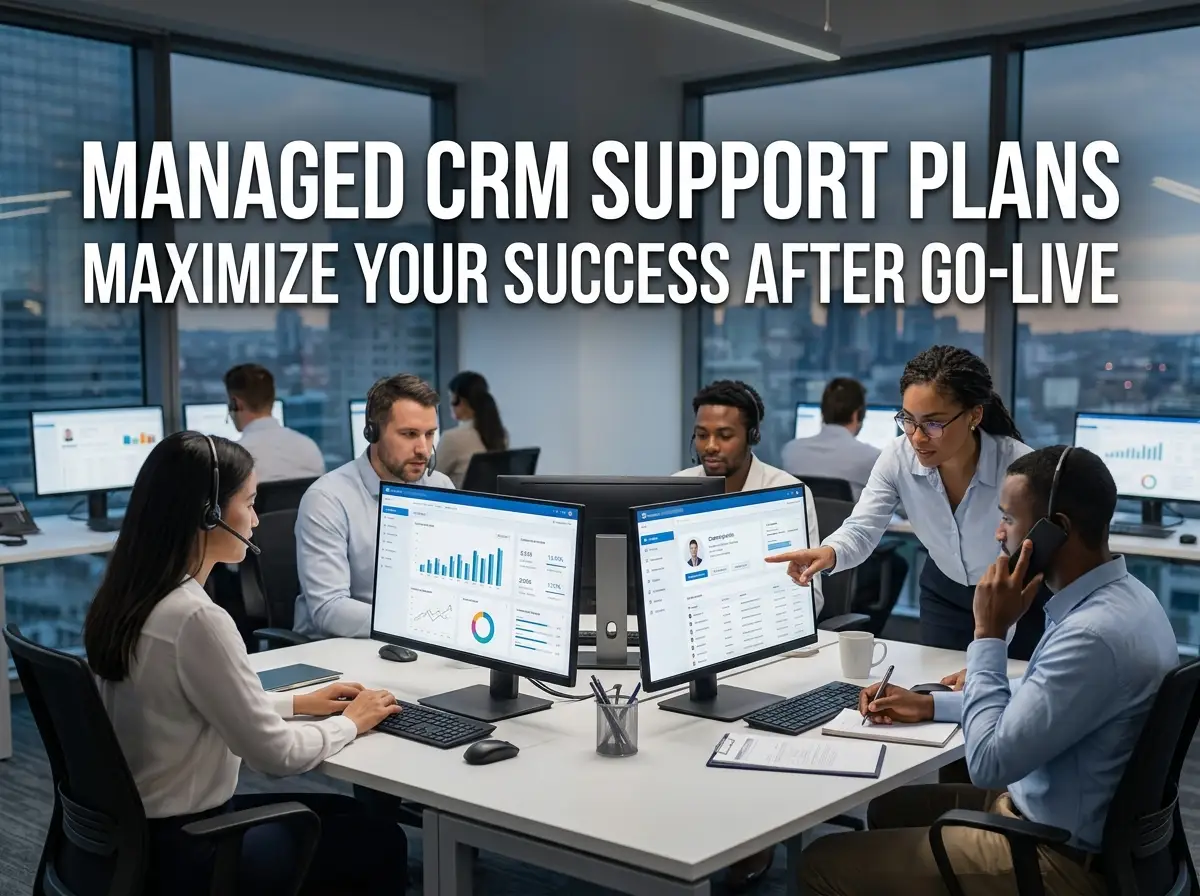
Managed CRM support is ongoing assistance after CRM implementation. Rather than dealing with technical issues as they arise, your business can get help managing maintenance, troubleshooting, updates, optimization, and user requirements.
Services will vary, but a good plan needs to include more than just a basic help desk service. It should support the maintenance of the CRM system, preserve the quality of the data, boost the adoption of the system, and maintain the workflow in line with evolving requirements in the business.
What Is Included in a Managed CRM Support Plan?

A helpful support plan is one that features regular maintenance and responsive support. The goal is to prevent small issues from becoming expensive disruptions.
Help Desk and Technical Support
Permission, report, integration, automation, record, or system functions may be an issue for users. A help desk support will provide team members with a place to report these issues and get help. Support is provided during business hours, or may have specified response times for higher-priority problems.
CRM Health Checks
A regular CRM health check will assess the state of your system and spot the areas that require attention.
This can include checking:
- Duplicate or incomplete CRM data
- Broken workflows
- Unused fields and features
- Integration errors
- User permissions
- Automation performance
- Reporting accuracy
- System adoption
Regular reviews make it easier to identify problems before they affect customers, sales, or teams.
System Updates and Maintenance
CRM systems are often updated with new features, enhancements, security, and changes. This review of changes can be performed with managed support to determine if it impacts your current configuration. Other preventative maintenance procedures, such as workflow testing, integration testing, database cleansing, etc, can also fall under scheduled maintenance.
Workflow Adjustments and Optimization
Your business does not stay the same after go-live. Sales processes change, new services are introduced, teams grow, and customer expectations evolve. This means that your CRM workflows can evolve over time. Without having to implement the entire solution again, a support provider can tweak automation, stages in pipelines, custom fields, notifications, and other settings.
For example, All 4 One Local can provide ongoing assistance when a business needs to adjust its CRM processes as its operations develop.
Data Quality and CRM Maintenance
It can be surprisingly easy for CRM data to become inaccurate. Duplicate contacts, incorrect data, missing data, and inconsistent data can lead to inaccurate reports and issues for sales and customer service staff. Continuous CRM support could involve data audits, duplicate management, field cleansing, validation regulations, and more processes to keep information accurate.
Clean data also helps validate that there are no mistakes involved in using customer information for sales, marketing, service, and reporting purposes.
User Training After Go-Live
Initial CRM training is beneficial, but it doesn’t necessarily need to be just once training for the team. There is no restriction on months after implementation for new employees. Current users may overlook some capabilities or find other means of accomplishing tasks. User training sessions can deal with such situations without having to conduct a full training program each time.
Ongoing training can cover:
- New CRM features
- Workflow changes
- Reporting tools
- Data entry standards
- Automation
- Best practices
- Role-specific functions
This supports stronger CRM adoption and helps employees use the system consistently.
Integration and Automation Support
Today’s businesses typically rely on multiple applications that are linked to one another. Your CRM can integrate with email software, websites, accounting software, calendars, support, marketing automations, or project management software.
In the event that one connection fails, data may not flow properly between systems. When software changes in integrations, managed CRM support can keep an eye on the integrations, troubleshoot errors, and make workflow modifications. This allows the overall tech stack to function together rather than the CRM as a standalone.
Choosing the Right Support Plan
All businesses need unique CRM requirements. A small business with an easy-to-use CRM, they might just need a couple of hours of help monthly, whereas a bigger firm may call for constant oversight and a monthly retainer fee for dedicated support.
Consider your:
| Requirement | What to Consider |
| Number of users | More users can create more support requests |
| CRM complexity | Custom systems require more technical attention |
| Integrations | More connections create more potential failure points |
| Data volume | Larger databases require stronger maintenance processes |
| Business hours | Determine when help desk support is available |
| Service level | Check response and resolution expectations |
| Training needs | Consider onboarding for new and existing users |
| Growth plans | Make sure support can scale with your business |
The plan to provide support should be tailored to the actual needs and not just the size of the package offered.
How Often Should Your CRM Be Maintained?

Don’t expect any standard guidelines on maintenance schedule, but it is essential to routinely review. For basic systems, a health check might be done once a month, and for complex CRM environments, more frequent checks may be needed.
Any significant changes should be addressed to critical workflows and integrations. Inaccurate data should also be checked on a regular basis, not when it’s starting to impact reports or customer service.
It is better to have a preventive maintenance plan than to wait till the CRM fails before you act.
Why Ongoing CRM Support Matters
A CRM’s real benefit lies in its consistent use over time. As workflows fail to operate, data becomes unreliable, or employees fail to adhere to workflows, the value of the investment can erode over time. With continuous CRM support, businesses can minimize downtime, ensure customer information is accurate, address user issues, and adjust the system to align with evolving business needs.
For Anaheim businesses serving thousands of customers or managing high transaction volumes, even small CRM problems can affect sales follow-up and customer experience.
Frequently Asked Questions
What does ongoing CRM support include?
Ongoing CRM support usually covers things like help desk assistance, system updates, data quality checks, workflow tweaks, integration troubleshooting, user training, reporting help, and regular CRM health checks. The exact details depend on your CRM provider and the support plan you pick
How often should a CRM health check be performed?
Checking your CRM every month is a solid place to start for most businesses. If your workflows are complicated, if you handle big databases, or if you’ve got a lot of integrations, you’ll want to run these checks even more often so you can catch problems early and keep things running smoothly.
Is a monthly CRM support retainer necessary?
Not everyone needs a monthly retainer. It makes sense if your CRM needs frequent updates, integrations, workflow changes, training, or technical support. Smaller businesses or simpler systems often do just fine with scheduled maintenance and getting support only when it’s needed.
Can managed support help with CRM data quality?
Absolutely. Support providers check for duplicate records, blank fields, old info, validation problems, and other data issues. Keeping up with data clean-up gives your team more reliable records and better reports.
Final Thoughts: Keeping Your CRM Running Smoothly
A good CRM needs regular care; it’s not “set it and forget it.” Staying on top of maintenance, training, support, data management, and improving workflows keeps your CRM working as your business shifts and grows.
All 4 One Local can help businesses build a practical ongoing support approach that keeps their CRM reliable and aligned with daily operations. The right managed CRM support plan can reduce avoidable downtime while helping your team get more value from its CRM investment. Contact us for ongoing support.