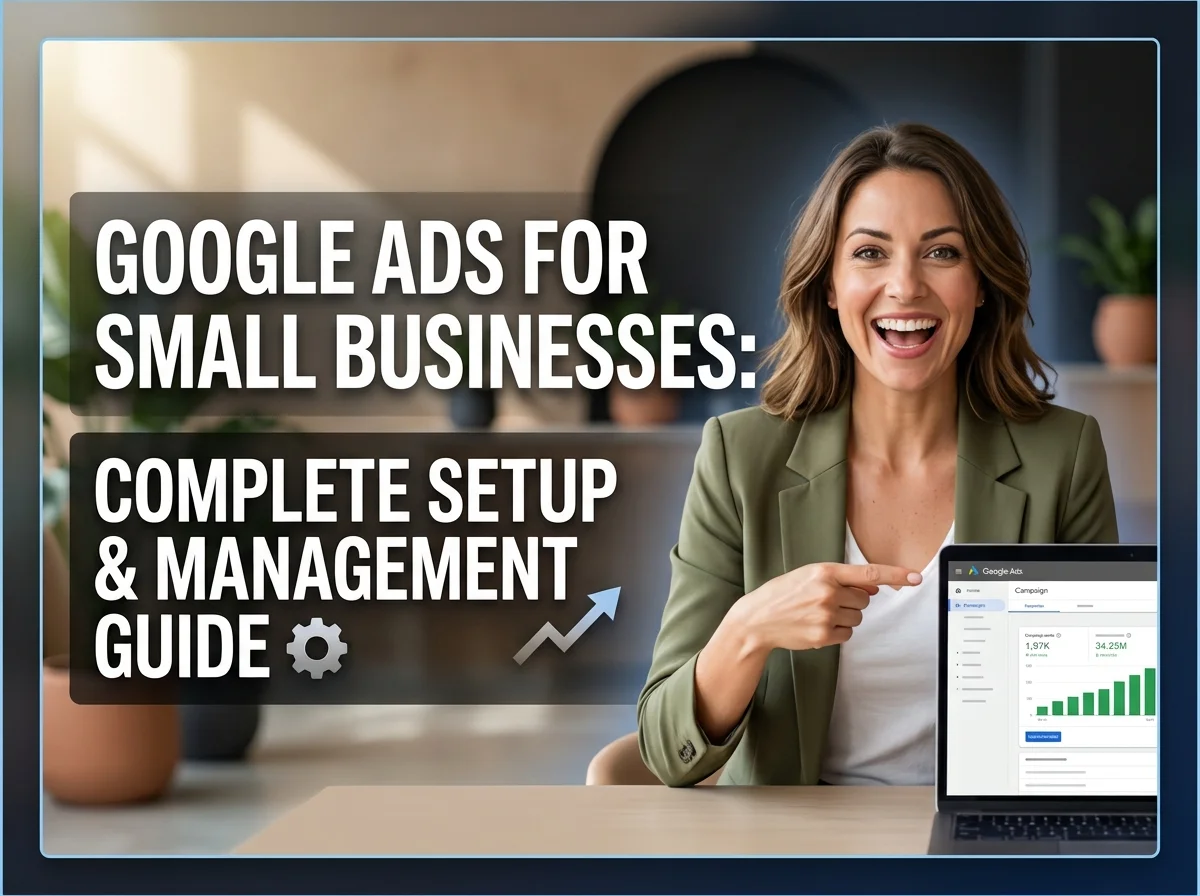
You’ve got a small business. Maybe you sell online. Maybe you offer services locally. Either way, you need customers. Google Ads can get them. But here’s the problem: it looks complicated. Expensive. You worry you’ll waste money on clicks that don’t convert.
That fear is real. But it’s not because Google Ads doesn’t work. It’s because you don’t understand it yet. Once you do, it’s straightforward. Google Ads small business campaigns work. They bring customers. They generate revenue. Even $500-$1,000 monthly can generate real results if done correctly.
Google Ads is just one piece of your paid advertising strategy. Understanding how Google Ads fits with Facebook ads, landing page optimization, and overall campaign management helps you make smarter decisions. Start with our complete PPC advertising strategy guide for the full picture.
This guide walks you through everything. Google search ads. Google shopping ads. How to bid. How to write ads. Quality scores. Real costs. Real strategies for businesses like yours.
What Are Google Ads, Actually?
Google Ads isn’t one thing. It’s multiple advertising platforms. Understanding each one helps you use them right.
Google Search Ads. These are text ads that appear when someone searches for your product or service. Someone searches “plumber near me” and ads appear at the top. That’s search ads. Someone’s actively looking. They have intent. You’re showing them you have what they want. That’s powerful.
Google Shopping Ads. These show product images, prices, and ratings. You sell candles. Someone searches “scented candles.” Your product photos appear with price. They click. Visit your store. That’s shopping ads. Visual and direct.
Google Display Ads. Banner ads on other websites. Less targeted than search. Good for brand awareness. Someone visits a recipe website. They see your kitchen gadget ad. Might not buy immediately. But they remember you.
For most small businesses, focus on Search and Shopping. Those convert best. Display helps later.
Why Google Ads Works for Small Businesses
Google Ads reaches people actively searching. Someone typed your product into Google. They want it. You’re showing them you have it. That’s powerful. Compare to traditional advertising where you hope someone notices.
Second, it’s measurable. You see exactly how much you spent. How many clicks. How many sales. You know your ROI. Traditional advertising? No idea if that radio ad worked.
Third, it’s scalable. Start with $200 monthly. See what works. Scale winners. Cut losers. You control everything.
Fourth, it works immediately. Unlike SEO (months), Google Ads work today. Ads go live tomorrow. Traffic comes immediately.
Google Search Ads: How They Work
Here’s the mechanics: You choose keywords. People type these into Google. You bid against other businesses. Higher bid plus better quality? You show first. You pay only when someone clicks your ad. That’s the basic model.
You set a daily budget. Say $50 daily. Once your ads get $50 in clicks, they stop showing that day. Tomorrow, they start again. This prevents surprise bills. You control spending.
Competition determines prices. Popular keywords cost more. Niche keywords cost less. “Plumber” is expensive. “Emergency plumber for frozen pipes Denver” is cheaper because fewer people bid on it. Specific keywords are usually smarter for small budgets.
Getting clicks from Google Ads is only half the battle. Your landing page determines if those clicks become customers. Poor landing pages waste ad spend fast. Learn landing page optimization to convert Google Ads traffic and maximize every dollar spent
Google Shopping Ads: Perfect for Product Businesses
You sell physical products? Furniture. Electronics. Clothing. Google shopping ads are perfect. When someone searches “blue office chair,” shopping ads show them blue chairs with prices and ratings. It’s visual. Direct. Converts well.
Setup requires a product feed (spreadsheet with titles, descriptions, images, prices). Upload to Google Shopping. Google matches products to searches. Your products appear.
Shopping ads work best if you have inventory. Good photos. Competitive pricing. Without those, skip it.
Keyword Bidding: Understanding How You Pay
You choose keywords. Set a maximum bid per click. Say your max bid is $2. Someone clicks your ad. You pay up to $2 (usually less).
Google has match types. Broad match shows for related searches. Exact match shows only for that keyword. Phrase match is in between. Start with phrase or exact. Broad wastes budget on irrelevant clicks.
Specific keywords are usually smarter. “Plumber” is expensive. “Emergency plumber for frozen pipes Denver” costs less because fewer bid on it. Tight focus beats broad reach for small budgets.
Ad Copy Optimization: Writing Ads That Work
Your ad copy optimization determines clicks. Good copy works. Bad copy doesn’t. Match what people search. If they search “emergency plumber,” your ad should say “emergency plumber.” They see their words. They click.
Create urgency. “Available 24/7” or “Same-day service” works. People want fast solutions.
Include a call to action. “Call now,” “Shop today,” “Get quote.” Tell them what to do.
Highlight unique benefits. “15 years experience,” “No hidden fees,” “Guaranteed satisfaction.” Give reasons to choose you.
Test different versions. Write two ads. See which gets more clicks. Keep improving.
Most small businesses neglect ad copy. That’s why they underperform. Spend time here.
Quality Score: Why It Matters
Quality score is Google’s rating of your ads. 1-10 scale. Higher is better. Google wants relevant ads. Bad ads? Nobody clicks. They get angry. So Google rewards good ads with lower costs.
Quality score considers: click-through rate (do people click?), landing page experience (is your site good?), and account history (do your ads generally work?).
High quality score? Lower cost per click. That’s huge for small budgets. Better ads literally cost less.
Low quality score? Higher costs. Everything becomes expensive. Bad quality scores kill small business budgets.
Fix quality score by: writing better ads, having good landing pages, managing your account well.
Setting Up Your Google Ads Account
Go to Google Ads website. Click “Start now.” You need a Google account. Create your account.
Choose campaign type. Start with Search if new.
Set your budget. $20-$50 daily is reasonable. That’s $600-$1,500 monthly.
Choose your location. Local business? Select your city. National? Select everywhere.
Choose keywords. Brainstorm words customers type. Use Google Keyword Planner (free). Start with 15-30 keywords.
Write your ads. Usually 3 headlines and 2 descriptions. Google creates combinations.
Create your landing page. Specific page matching your ad (not homepage).
Launch. Your ads go live.
Budget: Real Numbers
Daily budget: $20-$100 typical. That’s $600-$3,000 monthly.
Cost per click: $0.50-$5 typical. Depends on industry.
Cost per conversion: $10-$100 typical. This is what matters.
ROI: Good campaigns generate 3:1 return. $1 spent generates $3 revenue. Some generate 5:1. Some break even (those are paused).
Example: Plumber spends $1,000 monthly. Gets 50 clicks. Gets 5 conversions. Charges $300 per job. Revenue is $1,500. Profit is $500. Good ROI.
Google Ads captures people actively searching. But what about people who haven’t started searching yet? Facebook and Instagram ads build awareness and nurture future customers. Explore Facebook Instagram ads for additional lead sources to complement your Google strategy
Start conservative. $500-$1,000 monthly. Test for 4-6 weeks. Expand if working. Cut if losing money.
Landing Pages: Where Sales Happen
Your ad gets the click. Your landing page makes the sale (or doesn’t).
Landing page should match the ad. Ad says “30% off blue chairs.” Page shows blue chairs with discount. Mismatch kills conversion.
Mobile matters. Most people click on phones. Your page must work on mobile. Fast loading. Easy to navigate. Bad mobile? Wasted clicks.
Clear call to action. “Buy now,” “Call today,” “Get quote.” Tell them exactly what to do.
Remove distractions. No external links. Only essentials. They’re here for one reason. Help them do it.
Most small businesses send ads to homepage. Then wonder why conversion sucks. Specific landing pages work 2-3x better.
Conversion Tracking: Knowing What Works
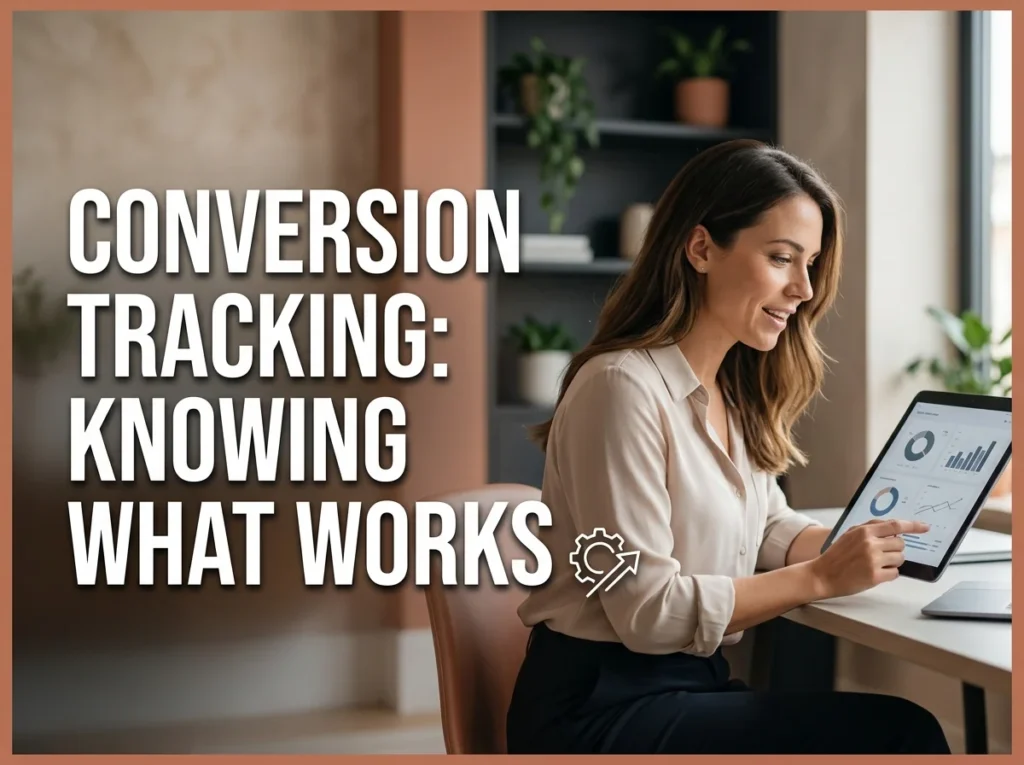
You can’t manage what you don’t measure. Track conversions.
Conversion is your goal. For ecommerce, it’s a purchase. For services, it’s a phone call or form. Define your conversion. Track it.
Google’s code sits on your website. When someone converts, the code reports back. You see “this keyword generated 5 conversions this week.”
Setup takes 30 minutes. Worth every second. Without tracking, you’re flying blind.
Review conversions weekly. See patterns. Keyword A works. Keyword B doesn’t. Increase bid on A. Pause B.
Common Mistakes Small Businesses Make
Too broad keywords. “Plumbing” wastes budget. “Emergency plumber Denver” is better.
Ignoring quality score. Bad scores kill budgets. Fix them.
Not setting conversion tracking. Can’t optimize what you don’t measure.
Poor landing pages. Generic pages kill conversion. Specific pages work better.
Pausing campaigns too fast. Takes 2-4 weeks to generate data. Give it time.
Bad ad copy. Generic ads get ignored. Specific, benefit-driven ads work.
Not optimizing. Weekly optimization is standard. Check your dashboard. Make improvements.
Management: Ongoing Work
Google Ads requires management. It’s not set-and-forget.
Weekly reviews. Check your dashboard. See what’s working.
Keyword management. Add new keywords. Pause underperformers.
Ad testing. Write new variations. See what gets best results.
Bid adjustments. Increase bids on winners. Decrease losers.
Landing page improvements. Look at conversion data. Improve low-performing pages.
Time commitment? 2-3 hours weekly. Real work. If you don’t have time, hire an agency.
Managing Google Ads properly requires 2-3 hours weekly minimum. If you don’t have that time or prefer expert optimization, our professional Google Ads management services handle everything while you focus on closing deals.
FAQ About Google Ads
How much should I spend monthly?
Start with $500-$1,000 monthly. Enough to generate data. See what works. After 4-6 weeks, you’ll know if it’s working. Scale if profitable. Cut if losing money.
How long before I see results?
Results come fast. Ads go live today. But meaningful results take 2-4 weeks. Google needs data to optimize. Don’t judge after one week. Give it time.
What’s a good ROI?
3:1 return ($1 spent, $3 made) is solid. 5:1 is excellent. Below 2:1 and campaign needs work.
How do I lower my cost per click?
Improve quality score. Better ads. Better landing pages. More relevant keywords. Google rewards good performance with lower costs.
Should I hire an agency?
Many small businesses manage themselves and save money. Some hire agencies ($500-$2,000 monthly). Both work if done right. Depends on your time and comfort level.